下载中心

OpenPnP is an open-source pick-and-place control software actively developed and maintained by the community. It provides advanced features such as vision alignment, automatic placement path planning, and flexible support for various cameras and feeder systems. The goal is to provide a highly customizable SMT assembly experience.
TORNADOSMT V2 uses OpenPnP as its host control software. With the dedicated configuration files we provide, users can easily connect the machine, perform vision calibration, import placement paths, and operate with professional SMT workflow efficiency.
This software download is an unmodified official link or mirrored file.
No changes have been made by us.

TORNADOSMT V2
CleverFeeder V2飞达固件 版本号:V.20240414
V.20240320【临时停止使用,官方修改了G代码规则,存在飞达ID号变更的bug,正在内侧新固件】
CleverFeeder V3飞达固件 版本号:V.20250306
V.20240320【临时停止使用,官方修改了G代码规则,存在飞达ID号变更的bug,正在内侧新固件】
Feeder Controller Serial Driver.zip
飞达控制器驱动程序
(可选安装,用于正确识别控制器名称)
飞达控制器固件 版本号:V.20240414
V.20240320【临时停止使用,官方修改了G代码规则,存在飞达ID号变更的bug,正在内侧新固件】
3D Model Download
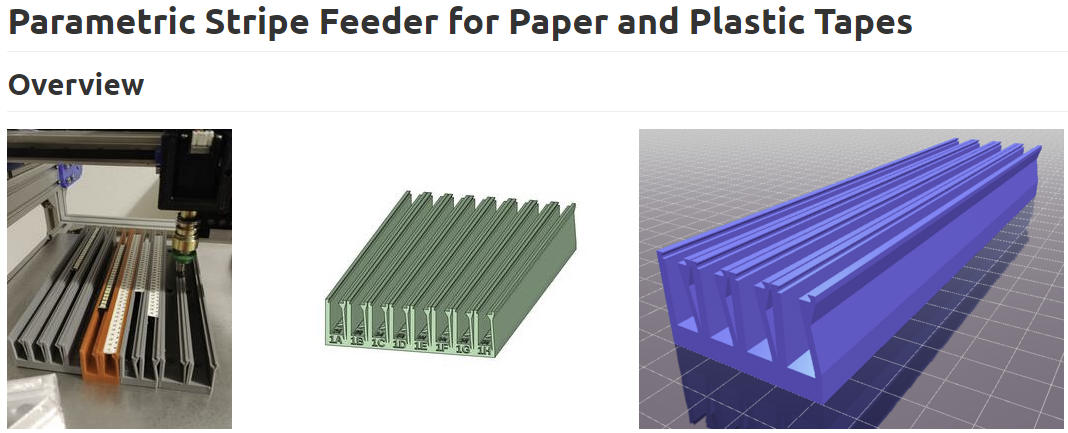
This package includes 3-position loose-tape feeders and several commonly used sizes of loose-tape feeder 3D printing files, compatible with both plastic and paper tapes. The package contains original SCAD source files, allowing parameterized modification and generation based on specific requirements. It also provides STL versions adapted for TORNADOSMT V2, ready for direct 3D printing and use.
This design originates from the open-source community, and the original release page includes complete usage guides and installation instructions. This download package only contains the printable files, and users may choose their own materials and printing methods based on actual needs. Source URL
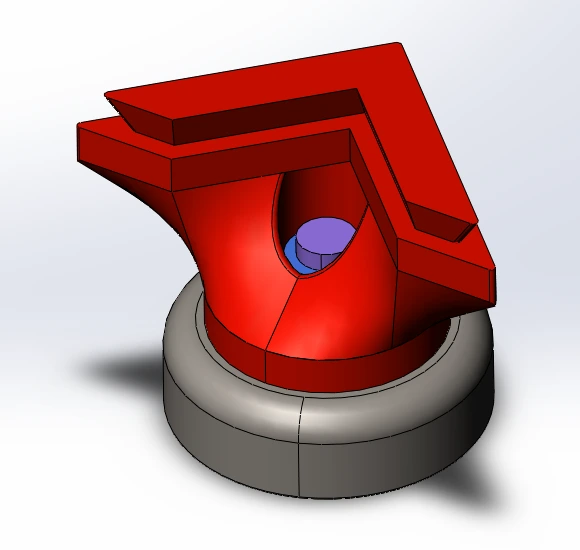
For assembly, insert the heat-set nuts into the printed parts first, then fasten the pot magnets using the screws to achieve a stable magnetic holding effect.
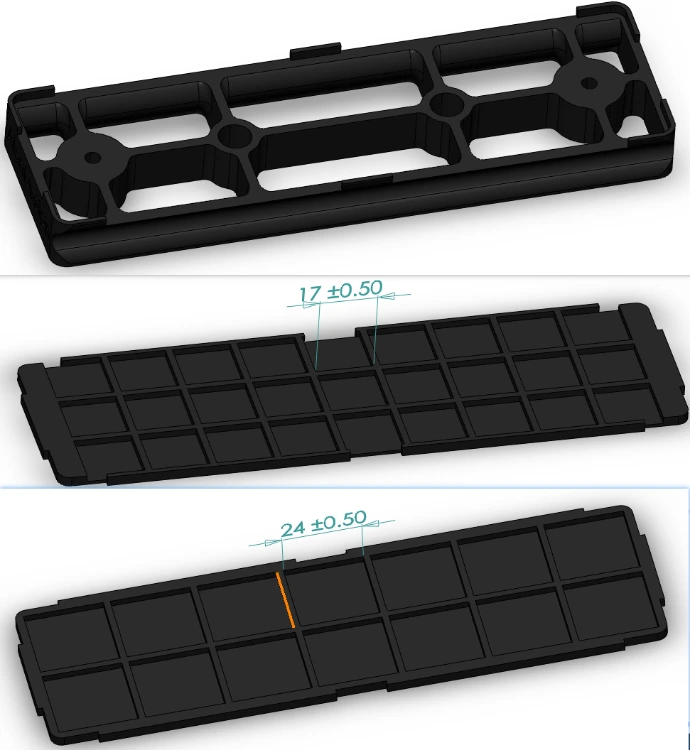
Two universal-size panel options are included:
One supports chips up to 17 mm × 17 mm
The other supports chips up to 24 mm × 24 mm
The panel structure can be modified parametrically to better match different chip package sizes used in your production.
To achieve secure installation and magnetic fixation, the following hardware components are required in addition to the printed parts:
M3 × 4 × 5 heat-set inserts ×2
Ø16 mm × 5 mm pot magnets with countersunk M3 hole ×2
M3 × 12 countersunk screws ×2
Assembly Guide:
Insert the heat-set nuts into the printed part first, then fasten the magnets using the screws to provide reliable magnetic retention and quick-swap functionality.
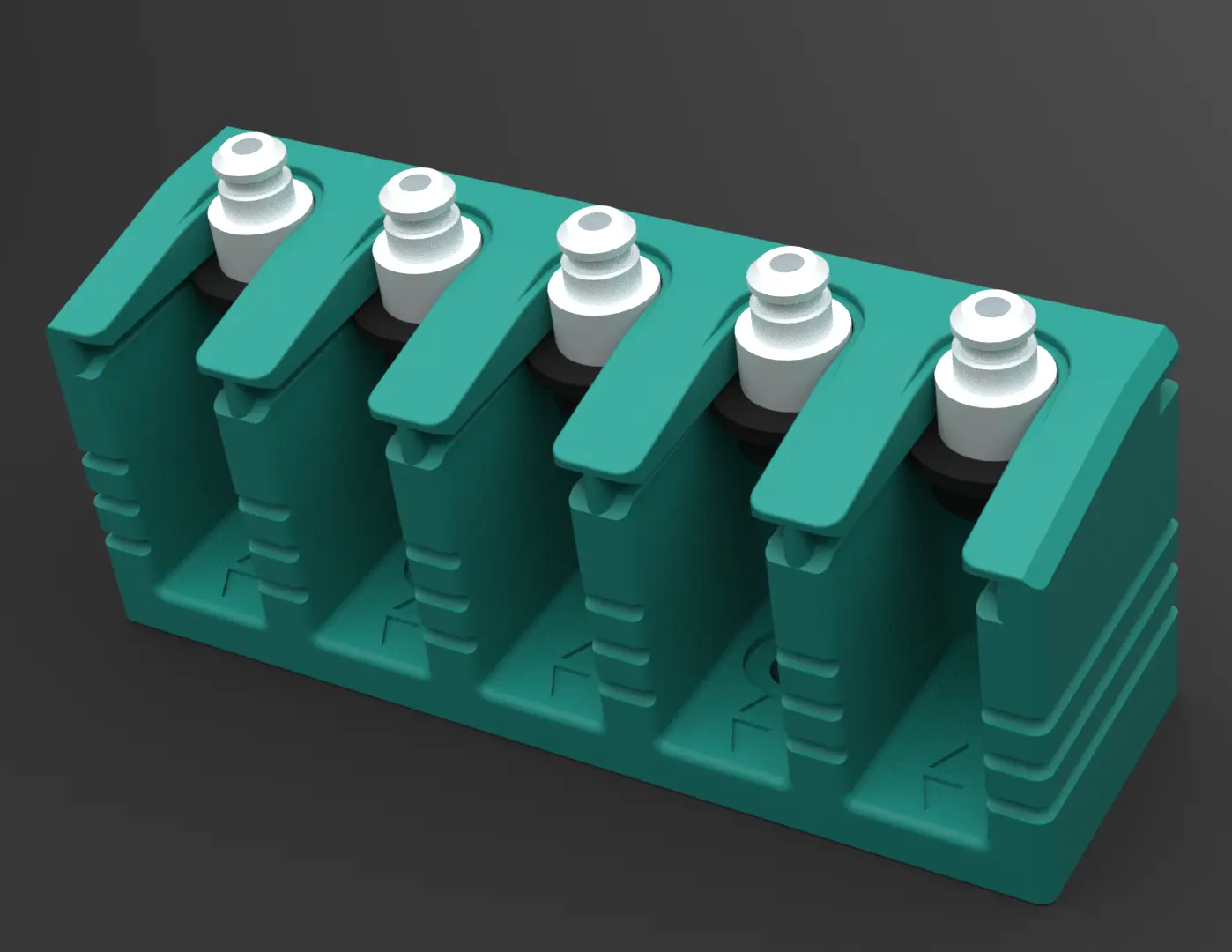
This package contains the latest 3D printable version of the Nozzle Dock V2, which is suitable for:
Upgrading machines purchased before June 2024
Replacing worn-out or damaged nozzle docks after long-term use
If your TORNADOSMT V2 was purchased after June 2024 —
Good news! Your machine already includes this latest version, so no replacement is required.
Replacement steps:
Heat the old nozzle dock with a hair dryer to soften the adhesive
Carefully remove the magnets from the old dock
Install the magnets into the new dock and reinstall it on the machine to complete the upgrade